- Work Productivity by Sanja Williams
- Posts
- 👩🏻💻 Boost Your Work Capacity Planning
👩🏻💻 Boost Your Work Capacity Planning
P.S. Take it into your own hands.

Sanja Williams
October 15, 2023
Hi Team 👋
Hope you are all well. How's your work week been?
I am keen to hear about your work updates, new jobs and responsibilities, work challenges or projects you are working on. You can always respond to me by simply replying to this email or send me a message on LinkedIn.
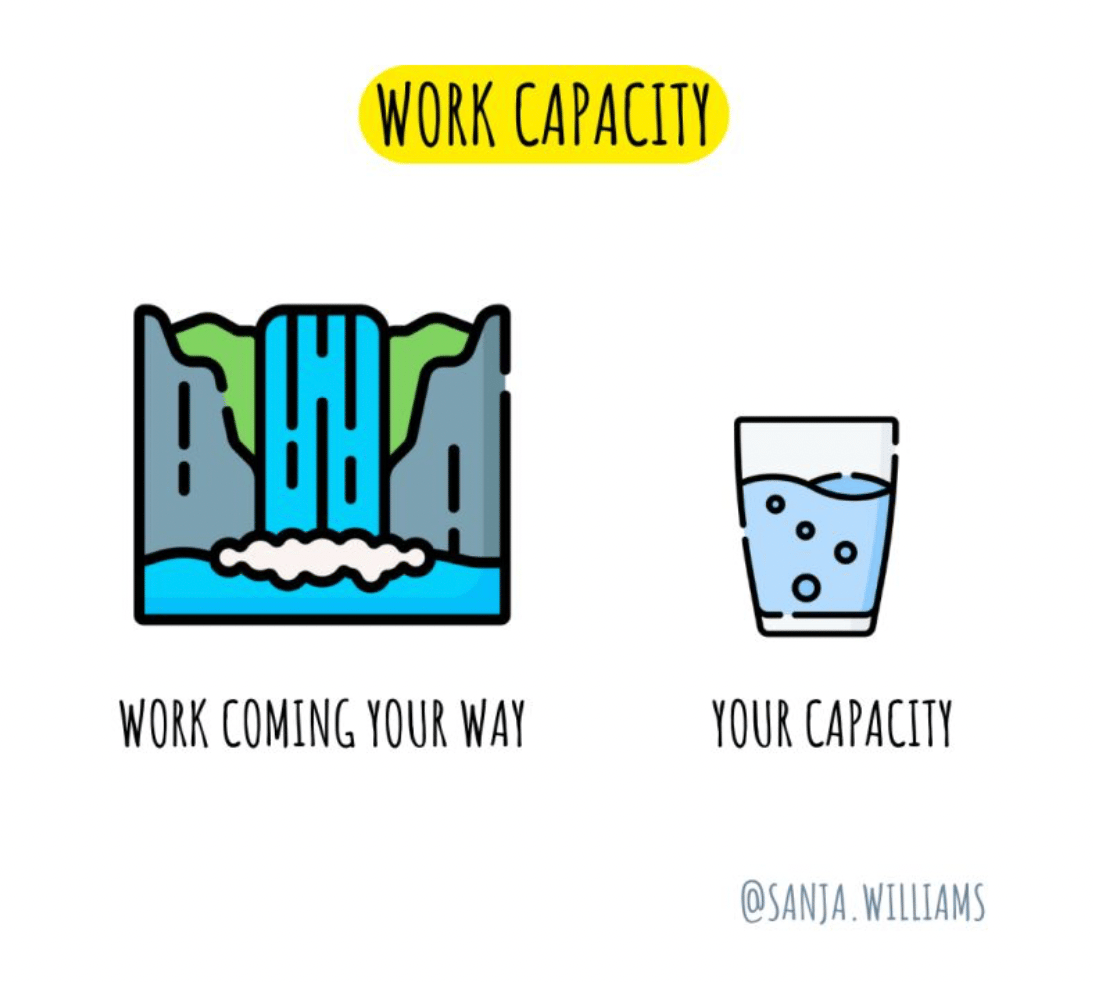
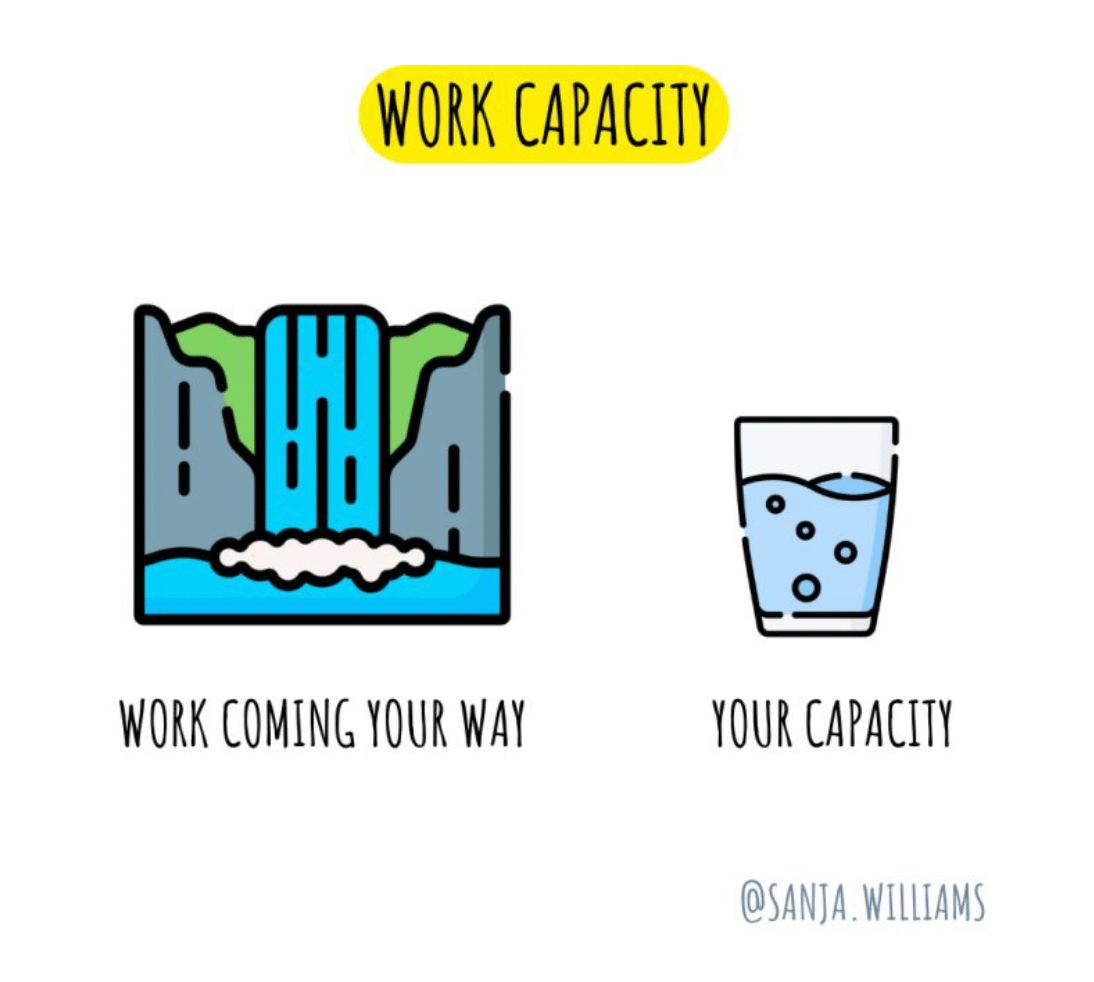
🤔 Workload and Work Capacity
We need to review our workload capacity on a regular basis.
Especially if:
you are a ‘yes person’ and
you notice you do much more than others or
you wait for your manager to prompt you to discuss your work capacity
you often struggle with work stress and think you cannot manage your workload
This is where you need to take it into your hands.
I would start from discussing and agreeing with my manager:
Expectations - expectations of my role. What is my role supposed to achieve over the next 12 months? What will I be measured against and what is it linked to (this is important to be labelled as ‘dependancies’ as this will be outside my control and have a direct impact on my objectives)? Then break it down into quarters and months.
Collaboration - I would discuss what I can do on my own and where I need to collaborate with others.
Timeline - I would then create a timeline of my broken down objectives and present it as a project timeline.
Review - I would then review it on a monthly basis and negotiate as my workload gets delivered or changes, new things come my way, certain pieces of work pauses or come to an end etc
Reminder: if it starts to feel too much then it probably is. Act immediately.
p.s. I work in sprints. Sprints are monthly reviews of your workload, progress when you can also agree to or offload some of your work too. All tracked in JIRA (a dashboard tool). If you don’t work in sprints, you can still work in this way and create some healthy habits with your work. You can use Notion website/app (see below) to create something similar. Example attached. It will look very organised and professional if you present it like this when you speak to your manager.


🧰 Work Tools
Another tool I have started to test is called MindNode.
“Every great idea starts with a single thought. Which leads to an other and another. And then a million more! Whether it's on the beach, at the office or on a walk, MindNode helps you capture all your thoughts and turn them into a clear picture of your idea.”
I believe it is only available on Apple Store as heads up.

Until next Sunday, best wishes
P.S. Please see below if you are new here
🧰 Notion - productivity app
Have you heard of Notion? Notion is a productivity app. Your wiki, docs,
& projects. Together. Notion is the connected workspace where
better, faster work happens. Now with AI.
You can use it on your phone, laptop and computer. All connected, so if you update something on your phone it is automatically updated on all devices.
I will be using this app to share various tools with you I create from time to time. I suggest you download it and register, it is free to get started.
If new to Notion, start from here.
📝 Personal Work Performance Review
As a thank you for subscribing, please download a Personal Work Performance Review Notion template. I created this long time ago and improved over time.
December performance reviews at work are coming up slowly but surely so it is best to be ready.
🤔 How does it work?
→ You simply click on it; it will take you to a webpage.
→ Then find where it says duplicate (usually the right hand corner), click on it and it will duplicate it to your Notion workspace. Simple and easy.
→ You can then continue to edit, adapt and use