- Work Productivity by Sanja Williams
- Posts
- 👩🏻💻 Avoid Sunday Work Scaries
👩🏻💻 Avoid Sunday Work Scaries
P.S. It is worth planning. Start small.

Sanja Williams
November 05, 2023
Hi Team 👋
Hope you are all well. How's your work week been?
I am keen to hear about your work updates, new jobs and responsibilities, work challenges or projects you are working on. You can always respond to me by simply replying to this email or send me a message on LinkedIn.
🤔 Sunday work scaries...
...are less scary if we plan ahead.

Monday morning is a bit easier if we have planned our work ahead and direction of travel.
The Sunday Scaries (or Sunday blues, as they’re sometimes called) are feelings of anxiety or dread that happen the day before heading back to work.
According to a LinkedIn survey, 80% of professionals say they experience the Sunday Scaries, with over 90 percent of Millennials and Gen Z reporting they feel it.
This is what I do:
→ I tend to review my actions for the next week and meetings, what may be expected from me usually on Thursdays and Fridays.
→ I ensure my diary is up to date and that I am clear on what I need to do on a Monday. Some people do all this planning on a Monday which I think is a bit too late.
→ I never start my work week feeling anxious or uncertain about what I need to achieve during the week.
However, sometimes even with the best planning approach in the world, below can happen 🤣
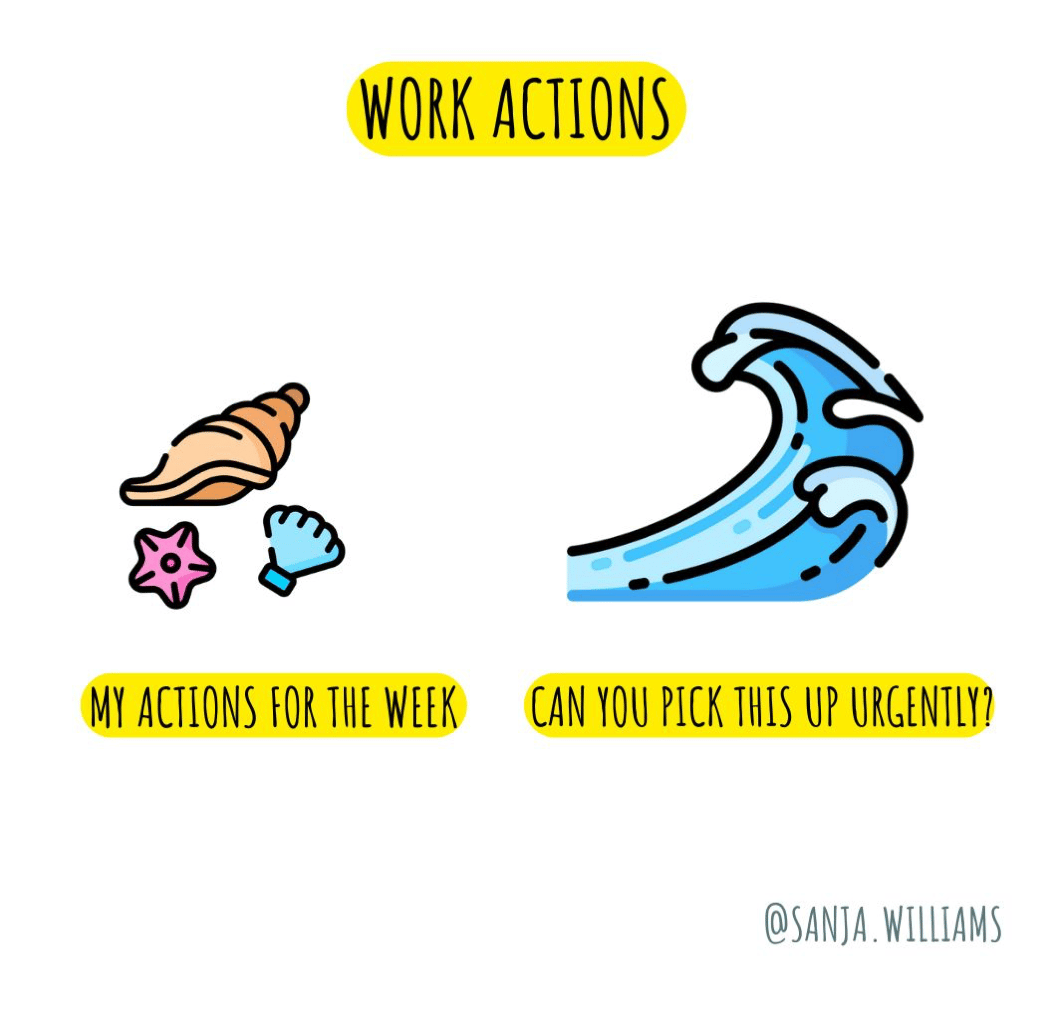
You have planned your actions for the week...
....only to realise you haven't achieved them due to various 'urgent' matters that needed to be dealt with.
Sometimes these urgent matters are perceived as urgent. We deal with them and get to the end of the week feeling we haven't achieved a lot.
This is because they probably weren't important matters we set out to do for the week.
If you have your manager or someone else asking you to pick something up urgently, before we simply say yes or leave it with me, make sure you discuss below question first:
🤔 How will this task impact your current projects or responsibilities, and are there any conflicts in terms of deadlines or priorities?
Other questions to be mindful of:
1. What is the specific task that needs to be completed?
2. What is the deadline for this task, and is it a hard or flexible deadline?
3. What is the scope of the work? Is it a one-time task, a short-term project, or part of an ongoing responsibility?
4. What are the expected outcomes or deliverables for this task?
5. Who is the point of contact for this task, and who will provide guidance or answer questions?
6. What are the potential challenges or obstacles you might face while working on this task?
7. Do you have the necessary skills and expertise to complete the task, or will you need additional training or support?
8. Is there a team or colleague who can assist you with this task if needed?
9. Can the urgency of this task be justified in terms of its impact on the competing demands?
10. What are the consequences of not completing this task on time or not taking it on?
What else would you add?
p.s. I always discuss capacity and if something else would have to be paused with to manage everyone's expectations including my own.
🧰 Work Tools
I would like to remind of the Notion tool* again. This tool will simply allow you to manage and present yourself like a pro.
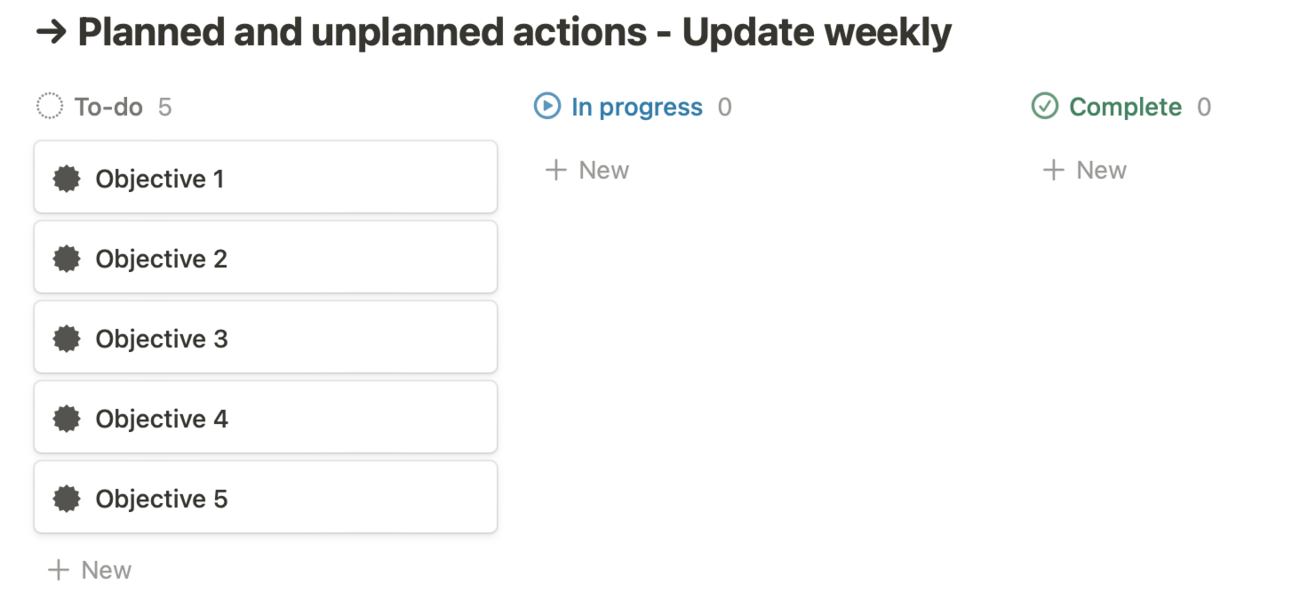
I absolutely love the board option that allows you to present your work visually. Especially when you have conversations with your managers and you want to take them through your objectives, key achievements and capacity. Visual below.
It is so easy to update and simply drag tickets from
to do - in progress - to complete.
(*affiliate link)
Until next Sunday, best wishes
P.S. Please see below if you are new here
🧰 Notion - productivity app
Have you heard of Notion? Notion is a productivity app. Your wiki, docs,
& projects. Together. Notion is the connected workspace where
better, faster work happens. Now with AI.
You can use it on your phone, laptop and computer. All connected, so if you update something on your phone it is automatically updated on all devices.
I will be using this app to share various tools with you I create from time to time. I suggest you download it and register, it is free to get started.
If new to Notion, start from here.
📝 Personal Work Performance Review
As a thank you for subscribing, please download a Personal Work Performance Review Notion template. I created this long time ago and improved over time.
December performance reviews at work are coming up slowly but surely so it is best to be ready.
🤔 How does it work?
→ You simply click on it; it will take you to a webpage.
→ Then find where it says duplicate (usually the right hand corner), click on it and it will duplicate it to your Notion workspace. Simple and easy.
→ You can then continue to edit, adapt and use